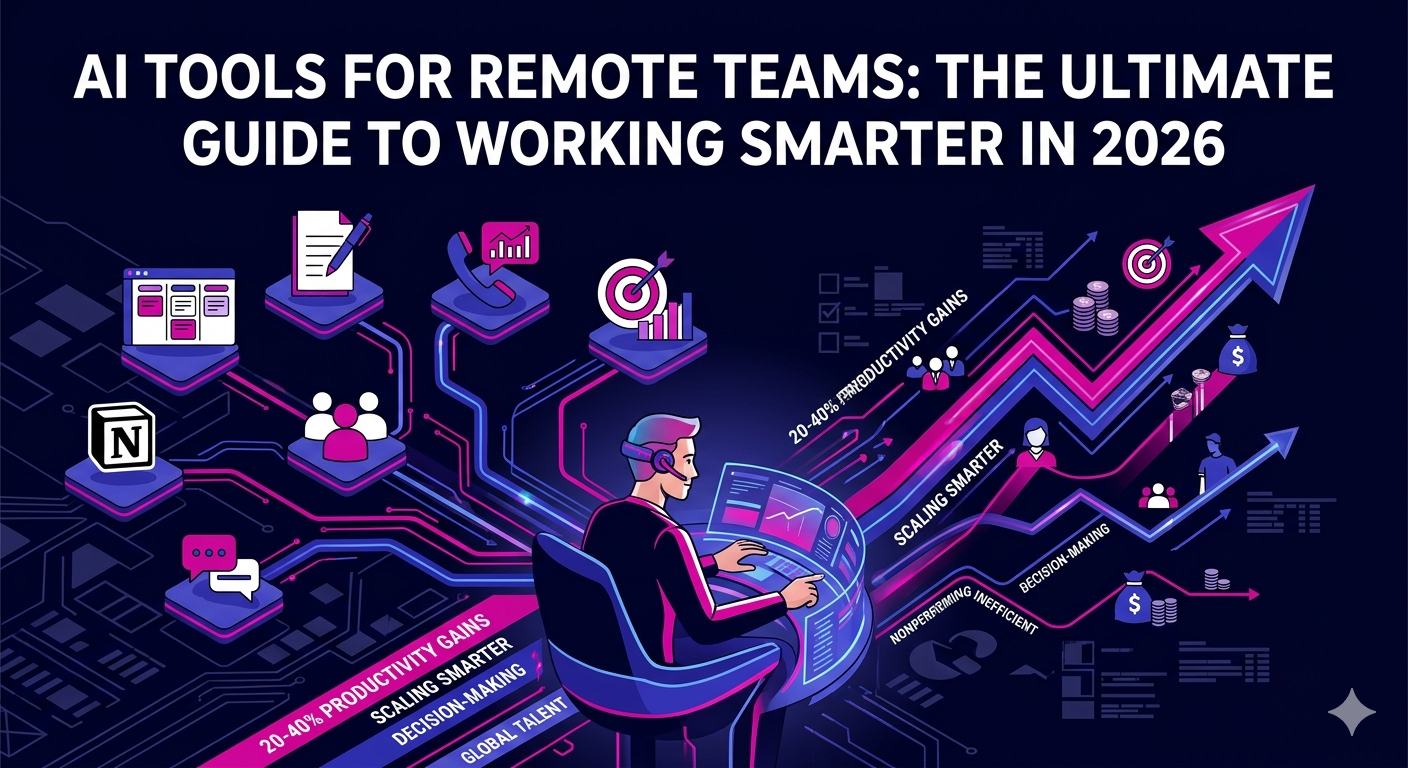
Remote work is no longer a trend. It is the default operating model for thousands of businesses worldwide. But managing a distributed team comes with real challenges: miscommunication, slow workflows, scattered data, and difficulty tracking performance across time zones. That is exactly why AI tools for remote teams have become essential in 2026. The right AI-powered stack does not just save time. It transforms how your team communicates, executes, and scales.
Whether you are running a lean startup or managing a global sales force, this guide breaks down the most effective AI tools available today and explains how to use them to build a high-performing remote team.
Why AI Tools Are Non-Negotiable for Remote Teams in 2026
The remote work landscape has matured dramatically. Companies that once scrambled to set up video calls are now competing on the quality of their remote operations. In 2026, the gap between teams using AI and those that are not is measurable in revenue, retention, and output speed.
AI tools for remote teams deliver value across three core areas:
- Automation: Repetitive tasks like scheduling, data entry, follow-up emails, and reporting are handled automatically, freeing your team for high-value work.
- Communication: AI-powered writing assistants, translation tools, and meeting summarizers eliminate the friction that slows distributed collaboration.
- Decision-Making: Real-time analytics and predictive insights give remote managers the visibility they need to lead confidently without micromanaging.
According to McKinsey’s State of AI report, companies that have embedded AI tools for remote teams into their core workflows report 20 to 40 percent productivity gains compared to teams relying on traditional software alone.
Top AI Tools for Remote Teams Across Key Functions
1. AI-Powered Project Management
Tools like Notion AI, ClickUp AI, and Monday.com’s AI assistant have redefined how remote teams plan and execute projects. These platforms use machine learning to predict task bottlenecks, auto-assign work based on team capacity, and generate progress summaries without manual input.
Key benefits include:
- Smart task prioritization based on deadlines and dependencies
- Automatic status updates sent to stakeholders
- AI-generated project briefs and sprint summaries
- Risk alerts when timelines are at risk
2. AI Communication and Writing Tools
Clear writing is the backbone of remote collaboration. Tools like Grammarly Business, Jasper, and Claude for Teams help remote employees write faster and communicate more precisely across email, Slack, and documentation.
For customer-facing roles like sales reps and support agents, AI writing tools ensure consistent tone, reduce errors, and speed up response times significantly. If your team includes cold email experts or sales development representatives, AI writing assistants directly improve outreach quality and conversion rates.
3. AI Tools for Remote Sales Teams
Sales is one of the functions that benefits most from AI in a remote environment. AI tools like Gong, Chorus, and Salesforce Einstein analyze sales calls, score leads automatically, and provide real-time coaching to remote reps during live conversations.
These tools help remote sales managers:
- Monitor rep performance without listening to every call manually
- Identify winning talk patterns across top performers
- Automate CRM updates after every interaction
- Forecast pipeline health with greater accuracy
If you are building or scaling a remote sales team, explore how experienced remote SDRs leverage AI tools to book more meetings and drive consistent pipeline growth.
4. AI Tools for Remote Marketing Teams
Remote marketers in 2026 are using AI to produce content at scale, run smarter ad campaigns, and extract meaningful insights from customer data. Tools like Surfer SEO, Semrush’s AI features, and Meta Advantage+ have made it possible for lean remote teams to compete with larger in-house departments.
Specific use cases include:
- AI-generated first drafts for blog posts, landing pages, and social captions
- Automated A/B testing for paid campaigns
- Predictive audience targeting for PPC and social ads
- Real-time SEO optimization suggestions during content creation
For businesses relying on paid advertising, working with remote PPC experts who are trained in AI-driven campaign management can significantly improve return on ad spend.
5. AI Tools for Remote HR and Talent Operations
Hiring and managing remote talent at scale requires intelligent systems. Platforms like Workday AI, Rippling, and Leena AI help HR teams automate onboarding, monitor employee engagement, and flag burnout risks before they become attrition problems.
Standout features of AI-powered HR tools include:
- Automated onboarding workflows that adapt by role and location
- Sentiment analysis from pulse surveys to monitor team morale
- AI-generated job descriptions optimized for diverse hiring
- Smart scheduling that accounts for global time zones
6. AI Tools for Remote Customer Support
Customer expectations have risen sharply. AI chatbots, ticket routing systems, and knowledge base tools powered by machine learning allow remote support teams to handle higher volume without sacrificing quality.
Tools like Intercom Fin, Zendesk AI, and Freshdesk’s Freddy AI enable remote customer support specialists to resolve issues faster and maintain high satisfaction scores regardless of time zone.
How to Choose the Right AI Tools for Your Remote Team
Not every tool is right for every team. When evaluating AI tools for remote teams, prioritize the following criteria:
- Integration: Does it connect with your existing stack, including Slack, Google Workspace, or your CRM?
- Ease of adoption: Remote teams cannot afford steep learning curves. Choose tools with intuitive interfaces and strong onboarding resources.
- Scalability: Will the tool grow with your team from 5 people to 50?
- Security: Distributed teams are higher-risk targets for data breaches. Ensure your AI tools meet enterprise-grade security standards.
- Support: Look for vendors offering responsive support across multiple time zones.
Building an AI-First Remote Team Culture
Technology alone will not transform your team. The most successful companies using AI tools for remote teams also invest in culture. This means training your team to trust and use AI outputs rather than resist them, establishing clear protocols around AI-assisted work, and measuring the impact of AI adoption through concrete KPIs.
Leaders who treat AI as a collaborator rather than a threat create environments where remote employees feel empowered, not threatened. That shift in mindset is what separates high-performing remote teams from average ones in 2026.
If you are looking to scale quickly with pre-vetted remote talent already experienced in working with AI tools, explore the full range of remote virtual assistants and specialists available through The Remote Reps.
The Bottom Line
AI tools for remote teams are not a luxury in 2026. They are a competitive requirement. From project management and sales to marketing and customer support, AI is reshaping every function of the modern remote organization. Teams that adopt the right tools, pair them with skilled remote professionals, and build a culture of continuous improvement will outpace their competitors on every metric that matters.
Ready to build a high-performing remote team powered by the best talent and the latest AI tools? Explore The Remote Reps and connect with top-tier remote professionals who are ready to deliver results from day one.
Frequently Asked Questions About AI Tools for Remote Teams
What are the best AI tools for remote teams in 2026?
The best AI tools for remote teams in 2026 depend on your function. For project management, Notion AI and ClickUp AI lead the field. For sales, Gong and Salesforce Einstein are top choices. For marketing, Surfer SEO and Jasper are widely used. For customer support, Intercom Fin and Zendesk AI are industry favorites. Choose tools based on your team size, existing tech stack, and specific workflow needs.
How do AI tools for remote teams improve productivity?
AI tools for remote teams improve productivity by automating repetitive tasks, reducing communication delays, and providing real-time insights that help teams make faster decisions. Studies show that teams using AI-powered workflows complete projects up to 40 percent faster than those relying solely on traditional tools.
Are AI tools for remote teams secure enough for enterprise use?
Most enterprise-grade AI tools for remote teams are built with strong security protocols including end-to-end encryption, single sign-on, role-based access controls, and compliance with standards like SOC 2 and GDPR. Always review a vendor’s security documentation before adopting any tool that handles sensitive business or customer data.
How much do AI tools for remote teams typically cost?
Pricing for AI tools for remote teams varies widely. Many tools offer tiered pricing starting from free or low-cost plans for small teams, scaling up to enterprise contracts. Budget anywhere from $10 to $50 per user per month for most SaaS AI tools, with enterprise plans often requiring custom quotes based on usage and features.
Can small businesses benefit from AI tools for remote teams?
Absolutely. AI tools for remote teams are not just for large enterprises. Small businesses often see the greatest ROI because AI allows lean teams to punch above their weight. A small remote team using AI writing, scheduling, and customer support tools can deliver the output of a team two or three times its size without proportionally increasing headcount or overhead.
How do I get my remote team to actually use AI tools consistently?
Successful adoption of AI tools for remote teams starts with leadership buy-in, followed by targeted training and clear use-case documentation. Start with one or two high-impact tools rather than rolling out an entire new stack at once. Track adoption metrics and gather team feedback regularly to identify friction points and refine your approach over time.