
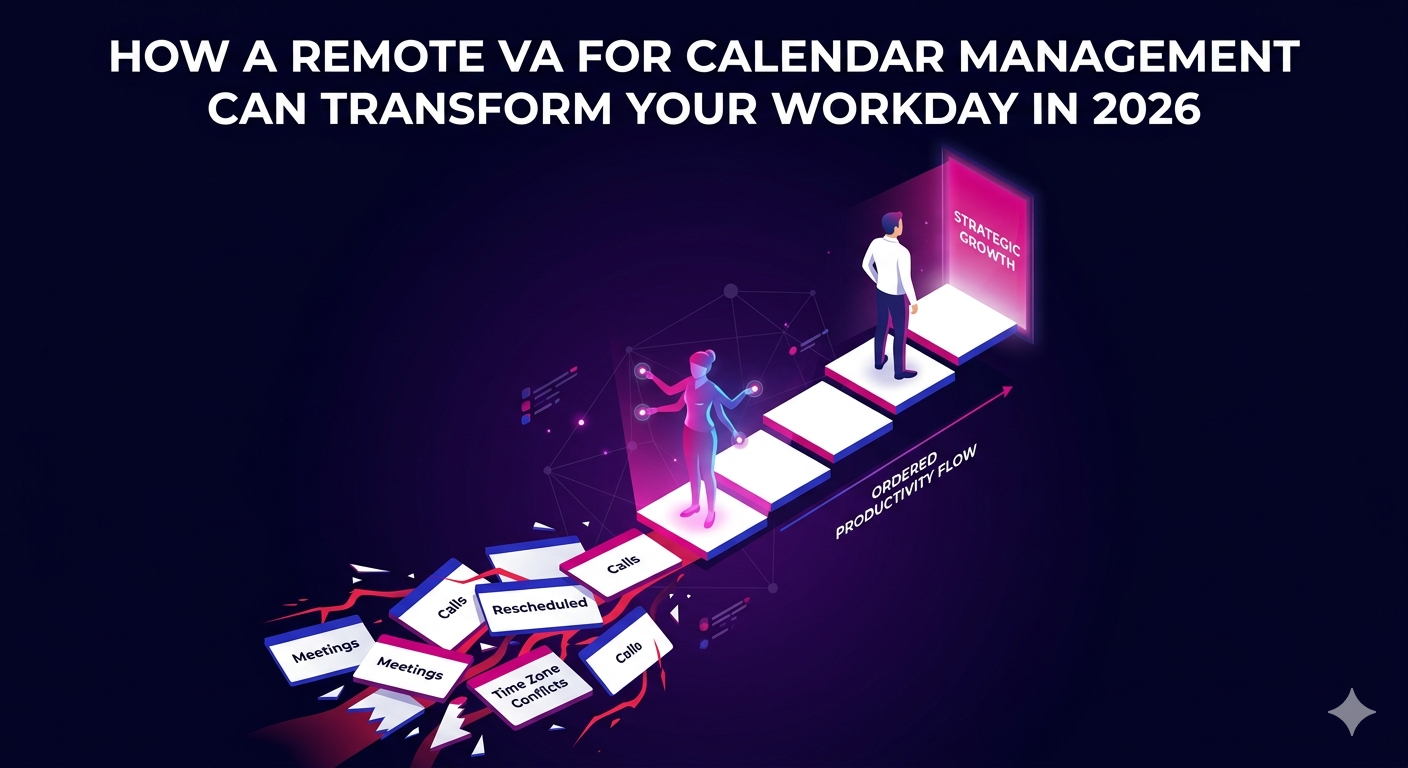
Your calendar is one of the most powerful tools in your business, and also one of the most demanding to maintain. Back-to-back meetings, rescheduled calls, time zone conflicts, and double bookings can turn a well-planned week into a frustrating scramble. A remote VA for calendar management takes full ownership of your schedule so you can focus on the work that actually moves your business forward.
In 2026, forward-thinking entrepreneurs, executives, and business owners are no longer managing their own calendars. They have delegated this critical function to skilled remote professionals who handle it better, faster, and more consistently than anyone pulled in five directions at once ever could.
Why Calendar Management Is One of the Best Tasks to Delegate
Calendar management looks simple on the surface. It is not. Coordinating meetings across multiple stakeholders, protecting focus blocks, managing recurring events, and responding to scheduling requests in real time takes a surprising amount of daily attention and decision-making energy.
Research consistently shows that context switching, which is exactly what happens when an executive stops strategic work to respond to a scheduling email, significantly reduces cognitive performance. Delegating this function to a remote VA for calendar management removes that friction entirely.
The Hidden Time Cost of Managing Your Own Calendar
Most professionals underestimate how much time calendar management actually consumes. Consider what is involved on a typical workday:
- Reviewing and responding to meeting requests
- Finding mutual availability across multiple participants
- Sending confirmation emails, reminders, and follow-up reschedules
- Blocking time for deep work and personal commitments
- Adjusting the schedule when conflicts or urgent matters arise
- Coordinating logistics like dial-in links, locations, and pre-read materials
Individually, each of these tasks takes only a few minutes. Collectively, they can consume one to two hours of productive time per day. That is seven to ten hours per week that a remote VA for calendar management can give back to you.
What a Remote VA for Calendar Management Actually Does
A skilled virtual assistant focused on calendar and schedule management goes well beyond simply booking meetings. They become the operational gatekeeper of your time, ensuring that your calendar reflects your actual priorities rather than just the loudest incoming requests.
Core Responsibilities of a Calendar Management VA
- Booking, confirming, and rescheduling all meetings and appointments
- Managing inbound scheduling requests on your behalf
- Setting up recurring events and maintaining consistency across platforms
- Sending meeting reminders and preparation materials to attendees
- Coordinating across time zones for global teams and international clients
- Protecting dedicated blocks for strategic work, personal time, and travel
- Integrating scheduling tools like Google Calendar, Outlook, Calendly, and others
- Preparing daily and weekly schedule briefings for the executive or business owner
Beyond Scheduling: Strategic Calendar Design
The best remote VAs for calendar management do not just react to incoming requests. They proactively design your schedule with your priorities in mind. If you have told them that mornings are for focused work and afternoons are for calls, they enforce that structure without you having to repeat yourself every week.
Over time, they learn your preferences, your energy patterns, and your working style. This institutional knowledge makes them exponentially more valuable the longer the relationship continues.
The Business Case for Hiring a Remote Calendar Management VA
The financial argument for a remote VA for calendar management is straightforward. A senior professional earning $120,000 per year is effectively paying roughly $60 per hour to manage their own inbox and calendar. A skilled remote VA handling the same tasks costs a fraction of that rate.
The savings are real, but the more significant return is in the quality of decisions made when the executive is not constantly interrupted by scheduling logistics. Time spent on high-impact strategic work generates far more value than time spent coordinating meeting rooms.
Cost Comparison for Calendar Management Support
- Self-managed: High executive hourly cost, cognitive disruption, inconsistent schedule discipline
- In-house assistant: Full salary plus benefits, limited to office hours, fixed overhead
- Remote VA for calendar management: Predictable monthly rate, flexible hours, no overhead costs
For most businesses, the dedicated remote VA model delivers the best combination of quality, consistency, and cost efficiency.
Tools a Remote Calendar Management VA Uses in 2026
A competent remote VA for calendar management in 2026 will be fluent in a wide range of scheduling and productivity tools. When evaluating candidates or providers, look for experience with the following:
Scheduling and Calendar Platforms
- Google Calendar and Google Workspace
- Microsoft Outlook and Microsoft 365
- Calendly, Acuity Scheduling, and SavvyCal
- Apple Calendar and iCloud coordination
Communication and Coordination Tools
- Slack and Microsoft Teams for internal coordination
- Zoom, Google Meet, and Microsoft Teams for virtual meeting links
- Asana, Monday.com, or Notion for task and project alignment
- Email platforms including Gmail and Outlook for meeting correspondence
A VA who is already proficient in your existing tech stack will require minimal onboarding and can begin delivering value almost immediately. You can explore what this kind of support looks like in practice through remote VA for calendar management and broader administrative support at The Remote Reps, where virtual assistants are matched to your specific workflow and tools.
How to Set Up Your Remote Calendar VA for Success
The quality of the onboarding process determines how quickly your remote VA for calendar management becomes genuinely useful. Follow these steps to accelerate the transition:
Step 1: Document Your Scheduling Preferences
Write down your preferences clearly. What times are off-limits for meetings? How much buffer time do you want between calls? Do you prefer video calls in the morning or afternoon? The more specific your guidelines, the faster your VA can operate independently.
Step 2: Define Your Priorities and Stakeholders
Let your VA know which relationships and meetings take scheduling priority. A call with your top client should never be deprioritized in favor of an internal team sync. Give your VA the context to make those judgment calls correctly.
Step 3: Grant Appropriate Access
Provide your VA with the access they need to your calendar platforms and email account. Use permission settings to limit access to scheduling functions only if that suits your preferences. Clear access boundaries reduce confusion and protect sensitive information.
Step 4: Review Together for the First Two Weeks
During the initial period, spend five to ten minutes each morning reviewing the day’s schedule with your VA. This rapid feedback loop accelerates their understanding of your preferences and builds trust quickly.
According to Entrepreneur’s guide to effective delegation for remote calendar management and productivity, the most successful delegation relationships are those where expectations are communicated clearly from the very beginning and where early feedback is treated as part of the process rather than a sign of failure.
Signs You Need a Remote VA for Calendar Management Right Now
Not sure if you are ready to delegate? These are clear signals that the time is now:
- You regularly show up to meetings without having reviewed the agenda
- You have missed or double-booked appointments more than once this month
- Your calendar does not reflect your actual priorities
- You spend more than 30 minutes per day on scheduling logistics
- You feel reactive rather than proactive about how your time is spent
If two or more of these apply to your current situation, a remote VA for calendar management is not just helpful. It is overdue.
FAQ Section
What exactly does a remote VA for calendar management handle?
A remote VA for calendar management handles all aspects of your scheduling, including booking and confirming meetings, responding to scheduling requests, resolving conflicts, setting up recurring events, coordinating across time zones, sending reminders and prep materials, and maintaining your overall schedule in line with your stated priorities. Some VAs also prepare daily briefings so you always know what is ahead.
How does a remote VA for calendar management access and manage my calendar securely?
Most calendar platforms allow you to share access with a VA using role-based permissions, which means they can view and edit only the functions you grant them. Google Calendar and Microsoft Outlook both support delegated access. A reputable remote VA for calendar management will also sign a confidentiality agreement, and established VA service providers include data security standards as part of their professional conduct requirements.
How long does it take for a remote VA for calendar management to learn my preferences?
Most remote VAs for calendar management reach a good level of independence within two to three weeks when onboarding is handled well. Providing written scheduling guidelines upfront, along with a daily check-in during the first two weeks, significantly accelerates the learning curve. By the end of the first month, most VAs can manage your calendar with minimal back-and-forth.
What tools should a remote VA for calendar management know how to use?
A skilled remote VA for calendar management in 2026 should be proficient in Google Calendar, Microsoft Outlook, and at least one scheduling tool such as Calendly or Acuity. They should also be comfortable with the communication platforms your team uses, such as Slack, Zoom, or Microsoft Teams, so they can coordinate meetings and send links without requiring your involvement in every detail.
How much does a remote VA for calendar management cost in 2026?
The cost of a remote VA for calendar management varies based on hours and specialization. Part-time support, typically 10 to 20 hours per week, generally ranges from $600 to $1,500 per month. Full-time dedicated calendar and administrative support can range from $1,500 to $3,000 per month depending on the provider and the VA’s experience level. This is significantly more cost-effective than hiring an in-house assistant when total employment costs are factored in.