
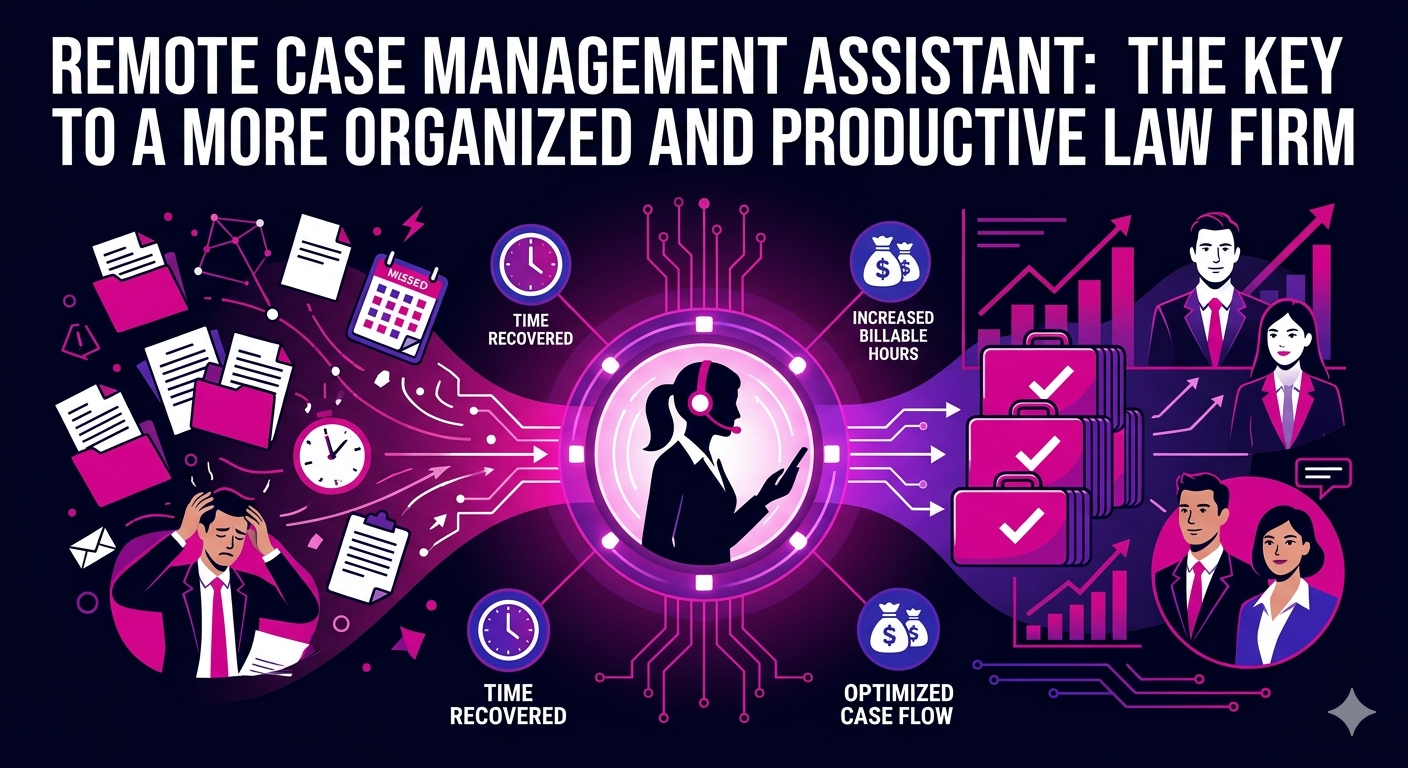
Keeping cases organized, deadlines met, and clients informed is a full-time job in itself. For many attorneys and legal teams in 2026, that job is no longer being handled by someone sitting down the hall. A remote case management assistant is quickly becoming one of the most practical and cost-effective staffing decisions a law firm can make, regardless of size or practice area.
This guide covers what a remote case management assistant does, why demand for this role has grown significantly, and how to find and onboard the right person for your practice.
What Is a Remote Case Management Assistant?
A remote case management assistant is a trained legal support professional who manages the administrative and procedural aspects of active cases from an off-site location. They work within your practice management systems, communicate through secure channels, and keep the moving parts of each matter organized so attorneys can focus on legal strategy and client work.
Unlike a general virtual assistant, a remote case management assistant has specific knowledge of legal workflows, court procedures, document management, and deadline tracking. They understand how a case progresses from intake to resolution and can manage each stage with minimal supervision once properly onboarded.
Core Responsibilities of a Remote Case Management Assistant
- Maintaining and updating case files in your practice management software
- Tracking court deadlines, filing dates, and statute of limitations calendars
- Coordinating with clients, courts, opposing counsel, and expert witnesses
- Preparing and organizing discovery documents and case chronologies
- Drafting routine correspondence and status updates
- Scheduling depositions, hearings, and client appointments
- Managing document requests and intake paperwork
- Monitoring case progress and flagging issues that need attorney attention
Why Law Firms Are Hiring Remote Case Management Assistants in 2026
The legal industry’s adoption of remote support roles has accelerated dramatically. By 2026, cloud-based practice management platforms, secure communication tools, and e-filing systems have made it entirely practical to manage cases with a geographically distributed team. The benefits go well beyond simple convenience.
Reduced Overhead Without Sacrificing Quality
An in-house case manager carries a significant cost burden. Salary, benefits, office space, and equipment can add up to $70,000 or more annually for a mid-level hire in a major metropolitan area. A remote case management assistant, hired through a specialized staffing provider, delivers comparable or superior support at a substantially lower total cost. Many firms report savings of 35 to 55 percent compared to equivalent in-house roles.
Consistent Case Oversight Across Every Matter
One of the most common reasons for malpractice claims is missed deadlines. A dedicated remote case management assistant whose sole focus is tracking, organizing, and updating case files dramatically reduces this risk. When one person owns case oversight, nothing slips through the gaps between attorney inboxes and associate to-do lists.
Flexibility to Scale With Caseload
Caseload fluctuates across practice areas and litigation cycles. With a remote case management assistant engaged on a contractual basis, you can increase hours during heavy trial seasons and reduce them during slower periods. This flexibility is simply not available with a permanent in-house hire.
Access to Experienced Legal Support Professionals
Remote legal staffing has matured significantly. The talent pool available through specialized platforms now includes professionals with years of experience in specific practice areas such as personal injury, family law, immigration, and commercial litigation. You are not settling for a generalist when you hire remotely in 2026.
What to Look for in a Remote Case Management Assistant
Not every applicant with administrative experience is suited for legal case management. When evaluating candidates, prioritize the following qualities.
Familiarity With Legal Practice Management Software
Your remote case management assistant should be comfortable working within platforms such as Clio, MyCase, Filevine, or Litify, depending on your firm’s setup. Experience with court e-filing portals and document management systems like NetDocuments or iManage is also a strong advantage. Candidates who require extensive technical training slow down the onboarding timeline considerably.
Strong Organizational and Communication Skills
Case management is fundamentally about organization and communication. Your assistant needs to be proactive about updates, methodical about tracking, and clear and professional in all written and verbal communication with clients and third parties. Ask for specific examples of case volume managed and systems used in previous roles.
Knowledge of Legal Procedures and Timelines
A remote case management assistant with genuine legal knowledge understands why deadlines matter, what happens when a response is late, and how procedural missteps affect a case. This understanding changes the quality of their work. A candidate who has worked inside a law firm or legal department brings a level of awareness that general administrative professionals simply do not have.
Confidentiality and Professionalism
Legal case files contain highly sensitive client information. Any remote case management assistant you hire should have signed confidentiality agreements, use secure systems for communication and file access, and demonstrate a clear understanding of attorney-client privilege and professional responsibility obligations.
How to Successfully Onboard a Remote Case Management Assistant
The success of this arrangement depends heavily on how you set it up from the start. A thoughtful onboarding process reduces errors, accelerates productivity, and establishes the working relationship on solid ground.
Step 1: Document Your Case Management Workflow
Before your remote assistant starts, document how cases move through your firm from intake to close. Identify the key milestones, the systems used at each stage, the people involved, and the deadlines that govern each practice area. This documentation becomes the foundation of your assistant’s training.
Step 2: Provide System Access and Security Training
Set up secure, role-appropriate access to your practice management software, calendaring system, document storage, and communication platforms. Review your security protocols with your remote assistant and confirm that their home setup meets your firm’s requirements for data protection.
Step 3: Define Communication Expectations
Agree on response time standards, preferred communication channels, check-in frequency, and escalation procedures for urgent matters. A remote case management assistant who knows exactly how and when to reach you will work more confidently and make better decisions in your absence.
Step 4: Start With Active Cases, Then Expand Scope
Begin by assigning your remote assistant to a defined set of active cases. Review their work regularly in the first few weeks. Once you are confident in their processes and judgment, gradually expand the scope of what they manage. This phased approach protects case quality while building trust.
Remote Case Management Support as Part of a Broader Legal Operations Strategy
A remote case management assistant works best when integrated with broader remote legal support. Many firms combine case management support with dedicated remote legal assistant services to create a complete legal operations team that handles everything from client intake to final billing without requiring additional in-house headcount.
You might also consider whether your practice would benefit from a remote paralegal who can take on more substantive legal work alongside your case manager, or a virtual legal secretary to handle correspondence and scheduling separately. Matching the right role to the right tasks keeps costs lean and output high.
According to the American Bar Association’s research on remote case management and legal operations, firms that implement structured remote support for case administration report measurable improvements in deadline compliance, client satisfaction scores, and attorney work hours recovered for billable tasks.
The Business Case for a Remote Case Management Assistant in 2026
Let us put the value in concrete terms. If your attorneys are each spending two hours per day on case administration tasks that a remote assistant could handle, and your average billing rate is $275 per hour, that is $550 in potential revenue per attorney per day being absorbed by administrative work. Over 200 working days, that is $110,000 per attorney per year in unrealized billing capacity.
A remote case management assistant working full-time at a competitive remote rate represents a fraction of that figure. Even after accounting for the time spent on review and oversight, the ROI is clear. The question for most firms is not whether to hire remote case management support. It is how quickly they can get the right person in place.
FAQ: Remote Case Management Assistant
What does a remote case management assistant do on a daily basis?
A remote case management assistant handles the day-to-day administrative oversight of active legal matters. Daily tasks typically include updating case files, monitoring deadlines, coordinating with clients and third parties, drafting routine correspondence, scheduling appointments, and flagging urgent items for attorney review. The specific workload depends on your firm’s practice area and caseload volume.
How is a remote case management assistant different from a virtual paralegal?
A remote case management assistant focuses primarily on administrative case oversight, including organization, scheduling, communication, and deadline tracking. A virtual paralegal takes on more substantive legal tasks such as legal research, drafting pleadings, and preparing trial materials under attorney supervision. The two roles are complementary and are often used together in well-structured remote legal teams.
Is a remote case management assistant suitable for all practice areas?
Yes. A remote case management assistant can be matched to virtually any practice area. Personal injury, family law, immigration, criminal defense, real estate, and commercial litigation firms all benefit from structured case management support. Providers typically allow you to specify your practice area during the matching process to ensure relevant background experience.
How do I ensure data security when working with a remote case management assistant?
Data security starts with choosing the right provider and setting clear protocols. Ensure your remote case management assistant signs a comprehensive NDA, uses encrypted communication platforms, accesses files only through secure, permission-controlled systems, and understands your firm’s confidentiality obligations. Regular security check-ins reinforce these standards over time.
How long does it take for a remote case management assistant to become fully productive?
Most remote case management assistants with prior legal experience reach full productivity within three to four weeks when onboarded with clear documentation, system access, and defined workflows. The onboarding investment at the start pays dividends quickly. Firms that provide structured onboarding materials consistently report faster ramp-up times and lower error rates in the first month.
Can a remote case management assistant handle client communication directly?
Yes, within defined parameters. Many remote case management assistants handle routine client status updates, appointment scheduling, and document collection requests directly. Any communication involving legal advice or case strategy must remain with the supervising attorney. Establishing clear communication boundaries during onboarding ensures client interactions are handled appropriately at all times.