
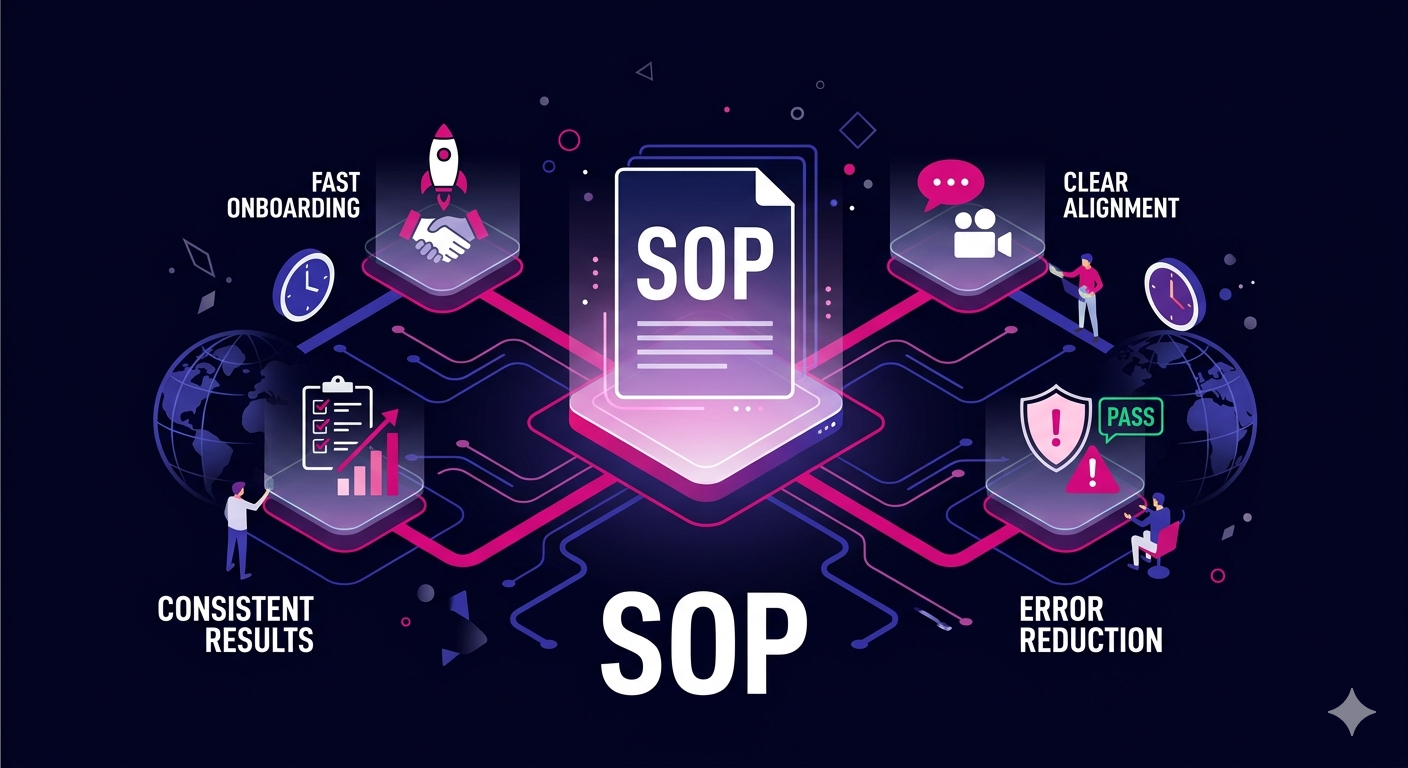
If your remote team is constantly asking the same questions, delivering inconsistent results, or struggling to stay aligned across time zones, the problem is almost certainly a lack of clear standard operating procedures. Learning how to create SOPs for remote team members is one of the highest-leverage investments a distributed business can make in 2026. The right SOPs eliminate guesswork, accelerate onboarding, and free your team to focus on execution rather than figuring out what to do next.
This guide walks you through everything you need to build SOPs that actually get used, from structuring your documents to rolling them out effectively across a distributed workforce.
Why SOPs Are Essential for Remote Teams in 2026
Remote work has matured significantly. Teams are now spread across multiple continents, working asynchronously, and often with minimal live overlap. In this environment, verbal instructions and informal knowledge sharing simply do not scale.
Without documented processes, you face:
- Repeated mistakes caused by unclear expectations
- Slow onboarding for new hires who have no reference material
- Over-dependence on specific team members who hold knowledge in their heads
- Inconsistent output quality that frustrates clients and leadership
- Wasted time answering the same questions in Slack or email threads
Well-crafted SOPs solve all of these problems. They create a single source of truth that any team member can access at any time, regardless of their location or working hours.
Step 1: Identify Which Processes Need SOPs First
You do not need to document everything at once. Start by identifying the processes that are most frequently repeated, most likely to cause errors, or most critical to client satisfaction.
How to Prioritize Your SOP List
- Frequency: How often is this task performed? Daily tasks should be documented first.
- Risk: What happens if this task is done incorrectly? High-risk processes need documentation urgently.
- Onboarding relevance: What does every new hire need to know within their first 30 days?
- Current pain points: Where are errors or delays happening most often right now?
Interview your existing team members and ask them what they wish had been documented when they first joined. Their answers will reveal your highest-priority gaps.
Step 2: Choose the Right SOP Format
There is no single correct format for a remote team SOP. The best format depends on the complexity of the task, the audience, and how the team typically consumes information.
Common SOP Formats for Remote Teams
- Step-by-step written document: Best for linear processes with clear sequential steps. Works well in Google Docs, Notion, or Confluence.
- Video walkthrough: Ideal for software-based tasks where screen context matters. Tools like Loom make this easy to produce and update.
- Checklist: Perfect for recurring tasks where completion tracking matters. Pair with project management tools like Asana or ClickUp.
- Flowchart or decision tree: Useful for processes where different conditions lead to different actions. Works well in Miro or Lucidchart.
- Combination format: A written document with embedded screenshots and a short video overview often delivers the best results for complex workflows.
When deciding on format, default to whatever is easiest for your team to update. An SOP that is hard to maintain will quickly become outdated and ignored.
Step 3: Write Your SOPs Using a Consistent Template
Consistency is key when creating SOPs for remote team members. If each document looks different and is organized differently, team members will struggle to extract information quickly.
Core Elements Every Remote Team SOP Should Include
- Title and version number: Makes it easy to reference and track updates
- Purpose: A one or two sentence explanation of why this process exists
- Scope: Who this SOP applies to and when it should be used
- Owner: The person responsible for keeping the SOP current
- Tools and resources required: Software, logins, or materials needed before starting
- Step-by-step instructions: Numbered, clear, and written in plain language
- Expected outcomes: What success looks like when the process is completed correctly
- Common mistakes and how to avoid them: Add this once you have real-world feedback
- Last reviewed date: So readers know how current the information is
Keep your language simple and direct. Write as if you are explaining the process to a capable new hire on their first day. Avoid jargon and internal shorthand that only long-tenured employees will understand.
Step 4: Involve the People Who Do the Work
One of the biggest mistakes managers make when building SOPs is writing them entirely from the top down. The people performing a task day to day often know details that managers overlook. Involving them in the documentation process produces more accurate SOPs and increases buy-in.
How to Gather Input from Remote Team Members
- Ask a team member to record themselves completing the task using a screen recorder
- Have them narrate what they are doing and why at each step
- Use their recording or written notes as the first draft of the SOP
- Have a second team member follow the SOP from scratch and flag any confusing steps
- Incorporate feedback before publishing the final version
This collaborative approach also helps with distributed teams where different people in different regions may have developed slightly different ways of completing the same task. Use the SOP creation process as an opportunity to align on the best approach.
Step 5: Store SOPs in a Centralized, Accessible Location
An SOP that no one can find is useless. Your entire remote team needs to know exactly where to look for process documentation, and it needs to be accessible from anywhere in the world without friction.
Recommended Tools for Storing Remote Team SOPs
- Notion: Flexible and visually clean, great for teams that want a customized wiki
- Confluence: Robust option for larger teams already using Jira
- Google Drive: Simple and widely accessible, works well for smaller teams
- ClickUp Docs: Integrates documentation directly with task management
- Trainual: Purpose-built for SOPs and employee training
Organize your SOP library by department or function, and make sure every new hire receives a guided tour of the knowledge base during onboarding. Link to relevant SOPs directly from project management tasks and recurring workflows.
If you are building out a remote sales or marketing team and want skilled professionals who can hit the ground running with documented workflows, explore the remote virtual assistant services at The Remote Reps, where team members are experienced in following structured SOPs from day one.
Step 6: Train Your Team on the SOPs and Create Accountability
Publishing an SOP is not the finish line. You need to actively introduce new SOPs to the team and build habits around using them.
Best Practices for Rolling Out New Remote Team SOPs
- Announce new SOPs during team meetings or async video updates
- Require new hires to complete and sign off on SOPs as part of their onboarding checklist
- Build SOP review tasks into recurring project workflows
- Use quizzes or short assessments to confirm comprehension for critical processes
- Recognize team members who surface improvements to existing SOPs
According to SHRM’s research on onboarding best practices, structured onboarding with documented procedures significantly improves new hire retention and time to productivity, which matters even more in remote settings where informal learning opportunities are limited.
Step 7: Review and Update SOPs Regularly
Processes change. Tools get updated. Team structures evolve. An SOP that was accurate in January 2026 may be outdated by July 2026 if your tech stack or workflow has shifted.
Set a recurring calendar event every quarter to review your most critical SOPs. Assign each SOP an owner who is responsible for flagging when updates are needed. When a team member identifies a step that no longer reflects reality, make updating the SOP part of their responsibility rather than waiting for a top-down initiative.
Common Mistakes to Avoid When Creating SOPs for Remote Teams
- Being too vague: “Handle customer inquiries professionally” is not an SOP. Give specific steps, response templates, and escalation criteria.
- Overcomplicating the format: If the SOP takes longer to read than to do the task, it will not be used.
- Failing to assign ownership: Without an owner, SOPs become outdated and no one takes responsibility for fixing them.
- Skipping the review process: Always have a second person test the SOP before publishing it.
- Not linking SOPs to tools: Embed SOPs where the work happens so team members do not have to search for them.
Conclusion: Build the Foundation Your Remote Team Needs
Knowing how to create SOPs for remote team members is not a one-time project. It is an ongoing commitment to clarity, consistency, and operational excellence. When your team knows exactly what to do, how to do it, and where to find guidance when they are unsure, performance improves across every function.
Start small, prioritize your highest-impact processes, and build a culture where documentation is valued. Your future self and every new hire you onboard will thank you.
Ready to scale your remote team with professionals who are already trained and process-oriented? Visit The Remote Reps to find vetted remote talent across sales, marketing, operations, and more.
Frequently Asked Questions About How to Create SOPs for Remote Team Members
What is the best way to start when learning how to create SOPs for remote team members?
The best starting point is to identify the three to five processes that cause the most confusion or errors on your team right now. Document those first before expanding your SOP library. When creating SOPs for remote team members, prioritizing high-frequency and high-risk tasks delivers the fastest return on your time investment.
How long should an SOP be for remote team members?
There is no fixed length. When you create SOPs for remote team members, the document should be exactly as long as it needs to be to explain the process clearly. Simple tasks may need only a one-page checklist. Complex multi-step workflows may require a longer document with screenshots, decision trees, and video supplements. Clarity matters more than brevity or comprehensiveness.
How often should you update SOPs for remote teams?
A practical approach is to review critical SOPs every quarter and lower-priority ones every six months. As part of how you create SOPs for remote team members, always assign an owner to each document who is responsible for flagging and implementing updates whenever the underlying process changes.
What tools work best for creating and sharing SOPs with remote team members?
Popular tools in 2026 include Notion, Confluence, Trainual, and ClickUp Docs for written SOPs, and Loom for video-based process documentation. When creating SOPs for remote team members, choose tools that integrate with where your team already works so the SOPs are easily accessible during task execution rather than siloed in a separate system.
How do you get remote team members to actually follow SOPs?
Adoption improves significantly when team members are involved in creating the SOPs in the first place. Beyond that, the key to getting remote team members to follow SOPs is to make them easy to find, link them directly to the relevant tasks in your project management tool, and build SOP review into onboarding and recurring workflows. Recognizing team members who surface SOP improvements also reinforces a culture of process discipline.
Can SOPs work for creative roles on a remote team?
Yes. While the creative output itself cannot be fully standardized, the processes around it absolutely can. When creating SOPs for remote team members in creative roles, focus on documenting intake processes, revision workflows, file naming conventions, client communication protocols, and delivery checklists. This gives creative professionals a structured operational framework while preserving their creative autonomy.