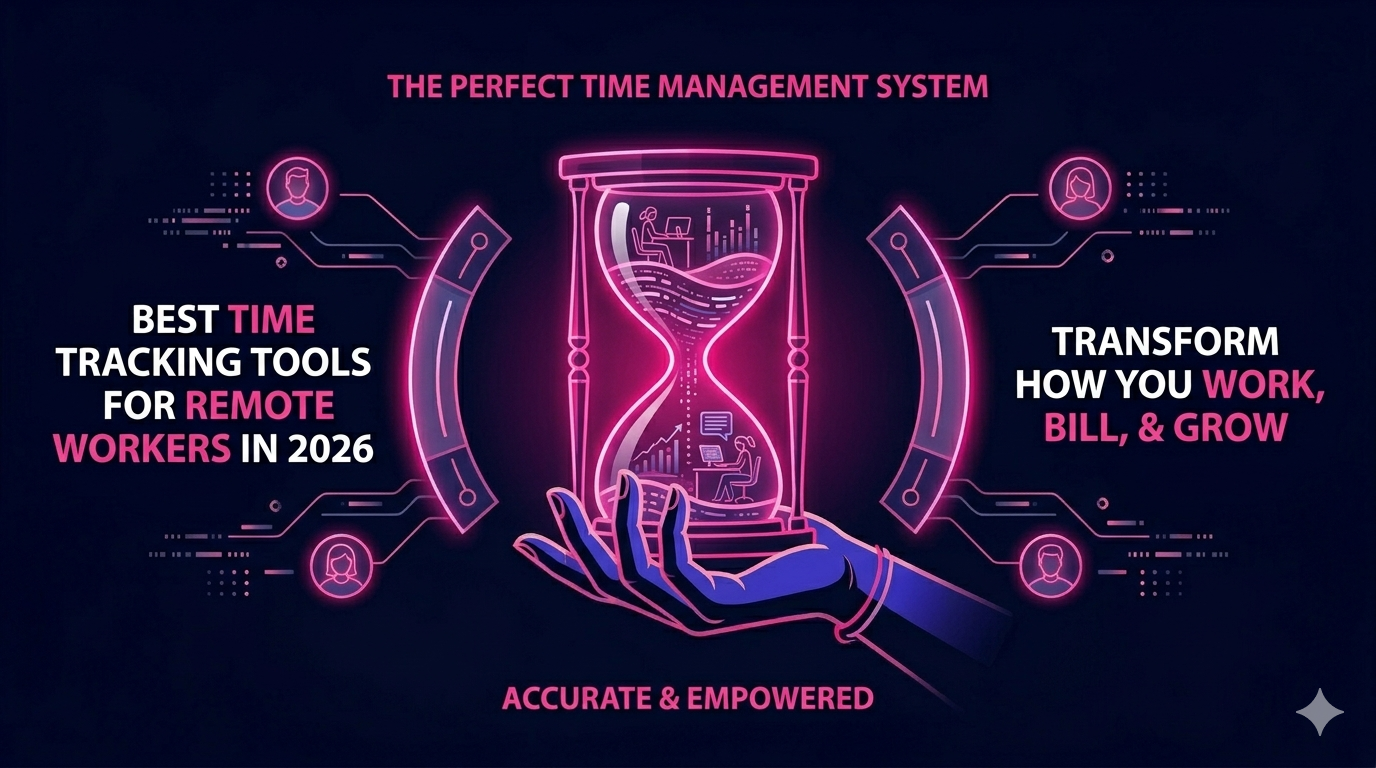
Remote work is no longer a trend. It is the standard operating model for millions of businesses worldwide. But with distributed teams spread across time zones, one challenge keeps surfacing: accountability and productivity measurement. That is exactly where time tracking tools for remote workers become essential. Whether you manage a team of virtual assistants or run a solo freelance operation, the right time tracking software can transform how you work, bill, and grow.
In this guide, we cover the best options available in 2026, what to look for when choosing one, and how these tools can directly improve your remote work setup.
Why Time Tracking Matters for Remote Teams in 2026
Remote work brings freedom, but it also brings complexity. Without shared office hours or physical visibility, managers and clients often struggle to understand where time is actually going. Time tracking closes that gap.
Here is what solid time tracking software does for remote professionals:
- Creates transparent records of billable hours
- Identifies productivity bottlenecks and time drains
- Simplifies payroll and invoicing for distributed teams
- Helps remote workers set healthy work boundaries
- Provides data to negotiate better rates or workloads
According to a 2025 workforce productivity report, remote teams that use dedicated time tracking software report up to 23% better project delivery rates compared to those that rely on manual logs or spreadsheets.
Key Features to Look for in Remote Work Time Trackers
Not every tool is built the same. When evaluating time tracking tools for remote workers, focus on these core features:
Automatic vs. Manual Time Logging
Automatic trackers run in the background and log activity without interrupting your workflow. Manual trackers require you to start and stop a timer. The best tools offer both options so teams with different preferences can stay consistent.
Project and Task Breakdown
Logging hours is only useful when those hours are tied to specific projects or clients. Look for tools that allow granular tagging so you can break down time by client, project, or task category.
Reporting and Analytics
Weekly summaries, productivity trends, and exportable reports are a must. Good reporting gives managers insight without micromanaging, and gives workers a clear picture of where their time goes.
Integrations with Remote Work Tools
Your time tracker should connect with the platforms your team already uses. Slack, Asana, Trello, Jira, Google Workspace, and Zoom integrations are standard expectations in 2026.
Mobile Accessibility
Remote workers are not always at a desk. A strong mobile app ensures tracking stays accurate whether you are at home, at a coworking space, or traveling.
Top Time Tracking Tools for Remote Workers in 2026
1. Toggl Track
Toggl Track remains one of the most popular choices for freelancers and small remote teams. Its interface is clean, the timer is one click to start, and the reporting dashboard gives clear weekly and monthly summaries. The free plan supports unlimited tracking for up to five users, making it ideal for lean remote setups.
2. Clockify
Clockify offers a generous free tier with no user limit, which makes it a favorite among growing remote teams watching their software budget. It supports project tracking, invoicing, and detailed timesheets. The desktop and mobile apps are reliable, and the web interface works seamlessly across browsers.
3. Harvest
Harvest sits at the intersection of time tracking and financial management. Beyond logging hours, it generates invoices directly from tracked time and integrates with payment platforms. For remote sales reps, digital marketers, and client-facing professionals, Harvest reduces the admin burden significantly.
4. Time Doctor
Time Doctor is built with remote team management in mind. It includes optional screenshot monitoring, distraction alerts, and idle time detection. Managers overseeing larger distributed teams often choose Time Doctor for its oversight capabilities. It works well for operations where accountability reporting is required.
5. Hubstaff
Hubstaff combines time tracking with GPS location logging and payroll processing. It is a strong fit for agencies that employ remote workers across multiple regions. Its automated payroll feature pulls directly from tracked hours, removing manual calculation entirely.
6. RescueTime
RescueTime operates passively in the background, logging the websites and applications you use throughout the day. It then categorizes time as productive or distracting and gives you a daily focus score. For remote workers who want self-awareness rather than manager oversight, RescueTime is a compelling option.
7. Everhour
Everhour integrates directly inside project management tools like Asana and ClickUp. Rather than switching between apps, you log time from within the task itself. This reduces friction and improves logging accuracy, especially for remote teams running complex multi-client workflows.
How Remote Professionals Can Use Time Tracking to Earn More
Time tracking is not just about accountability. It is a career growth tool. Here is how remote workers use it to advance professionally:
- Build a billing record: Accurate logs help freelancers charge fairly and dispute underpayment claims with data.
- Identify low-ROI tasks: Seeing where your hours go reveals which tasks deliver value and which ones waste your day.
- Demonstrate value to clients: Sharing professional time reports builds trust and positions you as a reliable contractor.
- Optimize your schedule: Knowing your peak productivity windows helps you schedule deep work at the right time.
If you are exploring remote opportunities where your output and time are directly tied to performance, connecting with the right employer matters as much as the tools you use. Explore opportunities designed for remote professionals who take their productivity seriously and see how the right role can complement your time management systems.
Time Tracking for Specific Remote Roles
Virtual Assistants and Executive Assistants
VAs often juggle multiple clients at once. Time tracking keeps billing accurate and prevents scope creep. Tools like Toggl and Clockify are widely used in the VA community for their simplicity and multi-client project support.
Remote Sales Reps and SDRs
For remote SDRs and sales development representatives, tracking time spent on outreach, calls, and CRM updates helps managers allocate coaching resources more effectively. It also helps reps understand their own activity patterns and close rates.
Digital Marketers and SEO Specialists
Marketing tasks are often hard to quantify in traditional terms. Time tracking adds structure by linking hours to campaign phases, keyword research, content creation, and reporting cycles. This data supports budget conversations and project scope negotiations.
Cold Email and Lead Generation Experts
Prospecting is time-intensive. Cold email specialists who track their time per campaign can identify which sequences require the most effort and which deliver the best response rates relative to hours invested.
Common Mistakes Remote Workers Make with Time Tracking
- Forgetting to start or stop timers, leading to inaccurate logs
- Using too many tools that do not sync with each other
- Tracking time but never reviewing the reports
- Logging hours without tying them to specific tasks or projects
- Choosing a tool with features they do not need, creating unnecessary complexity
The fix is simple: start with one tool, use it consistently for 30 days, and review your weekly reports every Friday. Habits built over 30 days tend to stick long-term.
Choosing the Right Tool for Your Remote Work Style
There is no single best time tracker. The right choice depends on your role, team size, and how your clients expect billing to work. Here is a quick decision framework:
- Solo freelancer: Toggl Track or Clockify (free tiers are sufficient)
- Small remote team: Harvest or Everhour for project and billing integration
- Agency or managed services: Hubstaff or Time Doctor for oversight and payroll
- Self-improvement focused: RescueTime for passive productivity insights
For a deeper look at time tracking tools for remote workers reviewed by independent experts, comparing feature sets across leading platforms can help you make a more confident choice.
Conclusion
In 2026, remote work demands more than just showing up online. It requires systems that prove your value, protect your time, and help you grow professionally. The right time tracking tool is one of the simplest and most impactful investments any remote worker or manager can make.
Start with a free tier, track your hours honestly for one month, and let the data guide your decisions. Whether you are a freelancer, a remote sales rep, or a digital marketer, building a time-aware work culture pays off in every direction.
Ready to take your remote career to the next level? Visit The Remote Reps to explore roles, tools, and resources built specifically for high-performing remote professionals.
Frequently Asked Questions About Time Tracking Tools for Remote Workers
What are the best time tracking tools for remote workers in 2026?
The top time tracking tools for remote workers in 2026 include Toggl Track, Clockify, Harvest, Time Doctor, Hubstaff, RescueTime, and Everhour. Each serves different needs, from solo freelancers to large distributed teams. Choosing the right one depends on your team size, billing requirements, and preferred level of automation.
Are time tracking tools for remote workers really necessary?
Yes. Time tracking tools for remote workers provide accurate billing records, support transparent reporting to clients or managers, and help individuals identify productivity patterns. Without structured tracking, remote professionals often undercharge, overwork, or miss opportunities to optimize their schedules.
Do time tracking tools for remote workers monitor employees?
Some time tracking tools for remote workers include optional monitoring features like screenshots and activity levels, such as Time Doctor and Hubstaff. Others, like Toggl and Clockify, focus purely on hour logging without surveillance. The right choice depends on company culture and the nature of the work being done.
Can time tracking tools for remote workers integrate with payroll systems?
Yes. Several time tracking tools for remote workers, particularly Hubstaff and Harvest, include direct payroll integrations. Hubstaff can automatically calculate wages based on logged hours and pay workers through connected platforms, which is especially useful for agencies managing large remote teams across different regions.
How do I get my remote team to consistently use time tracking tools?
Consistency with time tracking tools for remote workers improves when the tool is easy to use and fits naturally into existing workflows. Choose a platform that integrates with tools your team already uses, set clear expectations during onboarding, and review reports together weekly so the data feels purposeful rather than punitive.
Are there free time tracking tools for remote workers that are actually useful?
Absolutely. Clockify offers a permanently free plan with no user limit, and Toggl Track provides a solid free tier for teams of up to five. Both are considered among the best free time tracking tools for remote workers because they include project tracking, reporting, and mobile apps without requiring a paid subscription.