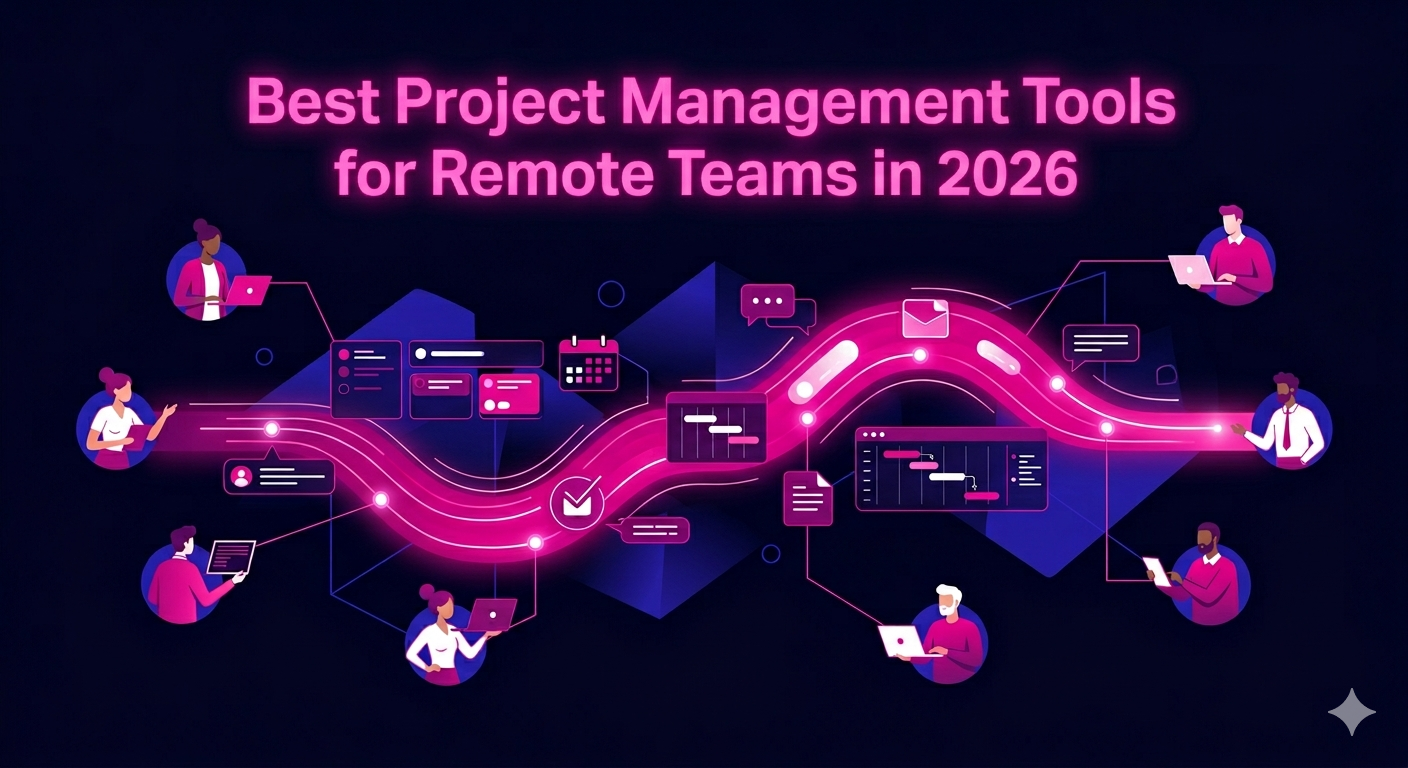
Managing a remote team without the right systems in place is like running a relay race where no one knows the order. Work gets duplicated, deadlines slip, and communication breaks down fast. That is why finding the best project management tools for remote teams has become one of the most important operational decisions a business can make in 2026.
Whether you are overseeing a lean startup team or coordinating across multiple departments in different time zones, the right platform can be the difference between organized progress and constant chaos. This guide covers the top tools available today, what makes each one worth considering, and how to choose the right fit for your team.
Why Remote Teams Need Dedicated Project Management Tools
In a traditional office, a quick walk to someone’s desk solves most coordination problems. Remote teams do not have that luxury. Asynchronous communication, overlapping time zones, and scattered file storage create friction that compounds over time.
Project management tools solve this by creating a single source of truth for every task, deadline, and conversation. When everyone on the team can see what is happening, who owns what, and when things are due, productivity improves across the board.
A 2025 Gartner workplace productivity study found that remote teams using structured project management platforms completed projects 31% more often on time compared to teams relying on email and chat alone. The numbers make a strong case for investing in the right software early.
What to Look for in the Best Project Management Tools for Remote Teams
Before diving into specific platforms, it helps to know what separates a great remote project management tool from a generic one. Here are the features that matter most in 2026:
Asynchronous Collaboration Support
Remote teams work across time zones. A good tool should support async communication natively, meaning team members can leave comments, update statuses, and review progress without needing everyone online at the same time.
Task and Subtask Management
Complex projects require more than a simple to-do list. Look for tools that allow you to break work into tasks and subtasks, assign owners, set dependencies, and attach due dates at every level.
Visual Workflow Views
Different people process information differently. The best remote project management platforms offer multiple views including Kanban boards, Gantt charts, calendar views, and list formats so everyone can work in the layout that suits them.
Integrations with Communication and File Tools
Your project management tool does not live in isolation. It needs to connect cleanly with Slack, Google Workspace, Zoom, Notion, and other platforms your team uses daily. Weak integrations create manual work and increase the chance of information gaps.
Reporting and Progress Tracking
Managers need visibility without micromanaging. Built-in reporting dashboards that show project health, workload distribution, and milestone progress help leadership make faster decisions with less friction.
Top Project Management Tools for Remote Teams in 2026
1. Asana
Asana continues to be one of the most widely used project management tools for remote teams. Its timeline view makes it easy to map out project phases and dependencies, while rules and automation reduce repetitive admin work. The free tier supports teams of up to 15 members, and the paid plans add portfolio management and advanced reporting. Asana works particularly well for marketing teams, product teams, and operations functions that manage recurring workflows.
2. ClickUp
ClickUp positions itself as the all-in-one productivity platform, and in 2026 that claim holds up better than ever. It combines task management, document collaboration, goal tracking, time tracking, and chat into a single interface. The level of customization is unmatched, which is both its strength and its learning curve. For remote teams willing to invest in setup, ClickUp delivers serious long-term value.
3. Monday.com
Monday.com is known for its visually engaging interface and low barrier to entry. Teams can spin up new project boards quickly using pre-built templates, making it ideal for non-technical users and cross-functional remote teams. Its automation builder is powerful without requiring coding knowledge, and the dashboards are among the clearest in the industry.
4. Notion
Notion started as a note-taking tool but has evolved into a full project management workspace. Remote teams use it to build wikis, manage tasks, document processes, and run meetings all in one place. Its flexibility makes it a strong choice for startups and creative teams. The 2025 release of Notion Projects added Gantt-style timelines and improved task tracking that pushed it firmly into project management territory.
5. Basecamp
Basecamp takes a deliberately simple approach to remote team management. It organizes work into projects, each containing to-do lists, message boards, file storage, and schedules. There are no complex settings or feature overload. For small remote teams that want clarity over customization, Basecamp remains one of the most reliable options available.
6. Jira
Jira is the standard for software development teams managing sprints, backlogs, and bug tracking. In 2026, Atlassian has expanded Jira’s capabilities to support non-engineering teams as well, with improved templates for marketing and operations workflows. For remote tech teams, Jira paired with Confluence for documentation is still one of the most complete setups available.
7. Trello
Trello uses a Kanban-style card and board system that is immediately intuitive. It is best suited for visual thinkers who want a lightweight tool without a steep learning curve. Power-Ups allow integration with hundreds of third-party apps, and the free tier is genuinely useful for small remote teams managing straightforward workflows.
8. Teamwork
Teamwork is purpose-built for client-facing remote teams such as agencies and consulting firms. It includes time tracking, invoicing, client portals, and project budgeting alongside standard task management features. For remote teams that need to manage both internal work and external client visibility in one place, Teamwork fills a specific and underserved need.
Comparing Remote Project Management Tools by Team Type
There is no single best platform for every situation. Here is a quick breakdown by team type to help narrow your choice:
- Marketing and creative teams: Asana, Monday.com, or Notion for flexible campaign management
- Software development teams: Jira for sprint management and bug tracking
- Agencies and client services: Teamwork for client portals and billing integration
- Startups and all-in-one needs: ClickUp for breadth of features in one platform
- Small teams wanting simplicity: Basecamp or Trello for fast setup and low complexity
- Documentation-heavy teams: Notion for combining wikis with project tracking
How Remote Roles Benefit from Strong Project Management Systems
The tools you use are only as effective as the team using them. Remote professionals who thrive in 2026 are those who understand how to operate efficiently within structured digital environments. This is especially true for roles like virtual assistants, digital marketers, lead generation experts, and customer support specialists who manage high volumes of tasks across multiple clients.
If your business relies on remote professionals to drive results, having the right project management infrastructure in place is non-negotiable. Explore how remote virtual assistants at The Remote Reps operate within proven project management systems to deliver consistent results for clients across industries.
Similarly, teams managing SEO campaigns, paid media, and content production benefit enormously from structured task management. See how remote digital marketers coordinate complex multi-channel campaigns using the same platforms covered in this guide.
Tips for Rolling Out a Project Management Tool Across a Remote Team
Choosing the right tool is only step one. Getting your team to actually use it consistently is where most implementations fail. Here are the practices that work:
- Start with a pilot group before rolling out company-wide
- Migrate existing projects into the new tool before going live
- Create a simple onboarding guide with your team’s specific naming conventions and workflow rules
- Assign a platform champion who owns the setup and answers questions
- Review adoption metrics after the first 30 days and adjust based on feedback
- Archive old communication channels once the new tool is established to avoid split attention
For a detailed comparison of leading platforms from an independent source, read PCMag’s expert roundup of the best project management tools for remote teams to see how features and pricing stack up across options.
Conclusion
The right project management platform does more than organize tasks. It builds the operational backbone that allows remote teams to move fast, stay aligned, and deliver quality work without constant check-ins or confusion.
In 2026, the best project management tools for remote teams offer more power, more flexibility, and better integrations than ever before. The investment of time to choose and implement the right one will pay dividends across every project your team takes on.
Ready to build a remote team that actually performs? Visit The Remote Reps to connect with vetted remote professionals who are already equipped to work within the systems that drive results.
Frequently Asked Questions About the Best Project Management Tools for Remote Teams
What are the best project management tools for remote teams in 2026?
The best project management tools for remote teams in 2026 include Asana, ClickUp, Monday.com, Notion, Basecamp, Jira, Trello, and Teamwork. The right choice depends on your team size, industry, and workflow complexity. ClickUp and Asana are the most versatile options, while Jira leads for software development teams and Teamwork is ideal for agencies managing client work.
Are free project management tools good enough for remote teams?
Free tiers of the best project management tools for remote teams can be sufficient for small teams with straightforward workflows. Asana, Trello, and ClickUp all offer genuinely useful free plans. However, as teams grow and workflows become more complex, paid plans with advanced automation, reporting, and integration features typically deliver a strong return on investment.
How do the best project management tools for remote teams handle time zone differences?
The best project management tools for remote teams support asynchronous collaboration by design. Features like task comments, status updates, file attachments, and notification controls allow team members to contribute and review work on their own schedule. Tools like ClickUp and Asana also allow you to set deadlines in specific time zones to avoid scheduling confusion across regions.
Can project management tools for remote teams replace communication platforms like Slack?
Most project management tools for remote teams are designed to complement rather than replace dedicated communication platforms. Tools like ClickUp include built-in chat, but the majority of teams use project management software alongside Slack or Microsoft Teams. The project management tool handles task ownership and progress tracking, while communication platforms handle real-time conversation and quick questions.
How long does it take to implement one of the best project management tools for remote teams?
Implementation time for the best project management tools for remote teams varies by platform and team size. Simple tools like Trello or Basecamp can be operational within a day. More feature-rich platforms like ClickUp or Jira may require one to two weeks of setup, template creation, and training before the team is fully productive. A phased rollout starting with a small pilot group generally reduces friction and speeds up adoption.
Do the best project management tools for remote teams support client access?
Several of the best project management tools for remote teams offer client-facing features. Teamwork includes dedicated client portals with controlled visibility. Monday.com and Asana allow guest access so clients can view project progress without accessing internal workspaces. This is especially valuable for agencies, consultants, and remote service teams managing ongoing client relationships.