
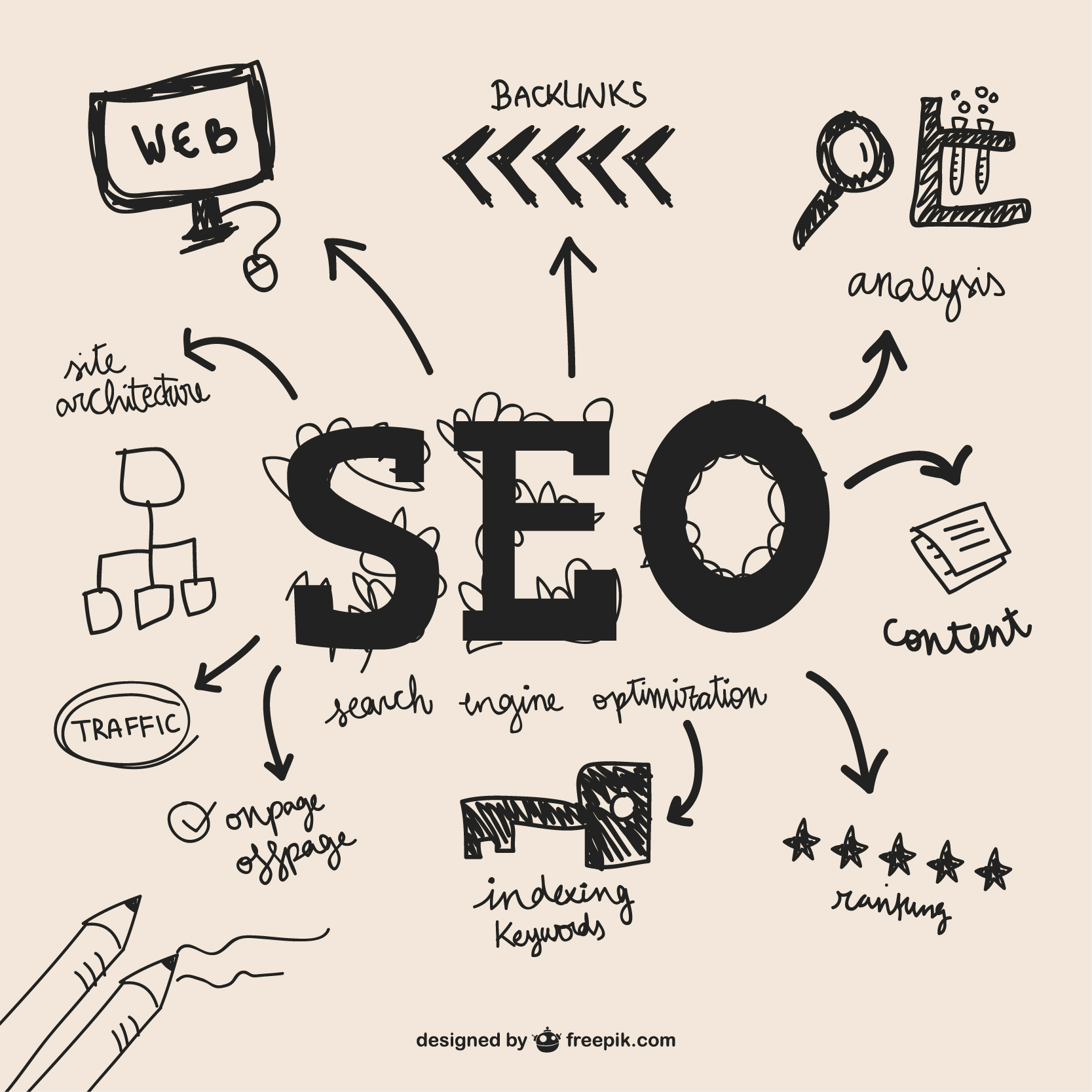
Local customers search on their phones and choose quickly. A focused on-page SEO checklist helps your website show up for nearby searches and turn those visits into calls, forms, and footfall. Use this guide to tune each key page so search engines understand where you operate and people can contact you in seconds. Businesses looking to expand beyond local reach and boost marketplace visibility often choose to hire Amazon experts alongside their SEO efforts to maximize both local and online sales performance.
Clarify Local Search Goals Before You Touch A Single Page
Start by deciding what a successful local visit looks like. Do you want more phone calls, quote requests, bookings or walk-ins. Priorities one or two main actions so every page supports them. For example a plumber might focus on emergency calls while a clinic might push online bookings and directions.
Next list your core services and the real-world areas you cover. Map each service to cities, suburbs or postcodes. This becomes your local keyword set, such as electrician in Bristol or boiler repair in Clifton. Keep it realistic so you only target places you can actually serve well.
Finally decide which page should rank for each local term. Your home page might target the main city, while individual service and location pages cover specific suburbs. Avoid two pages chasing the same primary keyword so search engines see a clear match between each query and page.
Build A Local Friendly Site Structure And Location Page Strategy
Choose a simple URL structure that scales as you grow. Many local businesses use domain slash city or domain slash service slash city. Keep it readable so users and search engines can see which area and service a page covers at a glance. Businesses that hire digital marketing agency support often get help structuring URLs strategically to improve visibility and long-term scalability.
Create focused location pages only for priority areas where you can add unique value. Include local photos, staff details, reviews, and area-specific services. Avoid thin pages that just swap city names. A strong location page should feel written for that community, not copied across twenty towns.
Support your structure with clear navigation. Group services under a services menu and locations under an areas we cover menu. Link between related services and nearby locations so visitors can quickly find the most relevant page for where they live or work. Companies that hire digital marketing agency professionals can also ensure internal linking and page hierarchy are optimized for both users and search engines.
On Page SEO Checklist For Your Home Page And Core Service Pages
Write title tags and meta descriptions that match local intent. Include your main service and city plus a benefit or call to action. For example Plumber in Leeds same day repairs and a description that mentions emergency help in Leeds and nearby suburbs with a prompt to call now.
Use your H1 heading and opening copy to state who you are, what you do and where you operate. Mention your city and key neighborhoods naturally. On service pages, combine the service and area in headings and short paragraphs without forcing the city name into every line or sounding robotic.
Place calls to action and contact details where locals expect them. On mobile, show your phone number and tap to call button above the fold. Add a short form on high intent pages. Embed an embedded Google Map and simple driving directions so people can see how to reach you from major roads or landmarks.
On-Page SEO Checklist For Location And City Specific Pages
Give each location page one primary local keyword, such as dentist in Stockport, plus a few related phrases. Use the main term in the title tag, H1, and early copy. Explain which neighborhoods you serve and any area-specific services or offers that matter to that audience. Businesses that hire remote virtual assistant support can streamline keyword research and content updates across multiple location pages efficiently.
Add local business schema to your home page and key location pages. Include your name, address, telephone, opening hours, geo coordinates, and sameAs links to profiles like your Google Business Profile. Keep NAP consistency across your footer, contact page, and every location page so search engines and customers see the same details. A team that helps hire remote virtual assistant professionals can also manage schema implementation and maintain consistent business data across all pages.
Use neighborhood language, landmarks, and directions. Mention nearby estates, stations, or shopping centers. Provide written driving directions from a major road or landmark. Link between nearby locations and related services so visitors can switch to the page that best matches where they are and what they need.
Technical And Content Checks That Turn Local Visits Into Leads
Most local searches happen on phones, so test your pages on mobile first. Make sure they load quickly, text is easy to read and buttons are large enough to tap. Add clear contact options on every page, including tap to call, short forms and links to your Google Business Profile for directions.
Use internal links to guide visitors toward high intent pages. From blog posts, link to relevant service and location pages with natural anchor text. From service pages, link to the best matching location page so people can see local reviews, maps and contact details without hunting around.
Set up analytics and conversion tracking to see which local pages drive calls, forms and visits. Review performance regularly and refine your checklist. Update strong pages with new photos, offers and testimonials so they stay fresh and continue to earn local visibility and leads.
Conclusion
Local on-page SEO checklist is about clarity. Make it obvious what you do, where you work and how people can contact you right now. When each page has a clear local focus, strong calls to action and accurate details, search engines and nearby customers both respond.
Use this checklist to review your home page, service pages and location pages this week. Fix the biggest gaps first, then keep improving. If you need support turning local visits into steady leads, reach out to a specialist who can help you apply these steps to your own site.
FAQs
What should be on an on-page SEO checklist for a local business website?
Include clear title tags and meta descriptions with your service and city, a strong H1 heading, local copy, consistent NAP details, local business schema, an embedded Google Map, driving directions, reviews, internal links to key services and locations, fast mobile friendly design and obvious calls to action like tap to call buttons and short enquiry forms.
How many location pages should a small local business create for SEO?
Create location pages only for areas where you genuinely operate and can add unique content. For many small businesses, this means one main city page plus a few high-value suburbs. Each page should have distinct photos, reviews, staff details, or offers. Businesses that hire a customer support representative can also showcase dedicated local support teams on these pages to build trust and highlight personalized service in each area. Avoid dozens of thin pages that just swap city names without real local information.
Do local businesses really need schema markup on their pages for better rankings?
Schema markup is not a magic ranking switch, but it helps search engines clearly understand your name, address, phone, opening hours and location. For local businesses, adding local business schema to your home page and key location pages supports NAP consistency and can improve how your details appear in search and map results.